
Formuler boxes are built for one job: live TV over the internet. Instead of making you choose and install a player, they come with MyTVOnline 3 (MOL 3), an app designed specifically for IPTV, with a fast cable-style guide, recording and catch-up. Paired with 4K Live IPTV, a Formuler Z11 Pro Max is one of the closest things to a high-end cable receiver you can buy. Here is how to set it up.
Two Ways to Connect: Portal or Xtream Codes
MyTVOnline 3 lets you add 4K Live IPTV in two ways:
- Portal (MAC address): the box’s MAC address is activated on our side, and you just enter a portal URL. This works exactly like a MAG box.
- Xtream Codes: you enter your username, password and server URL, the same login you would use on a Firestick or phone.
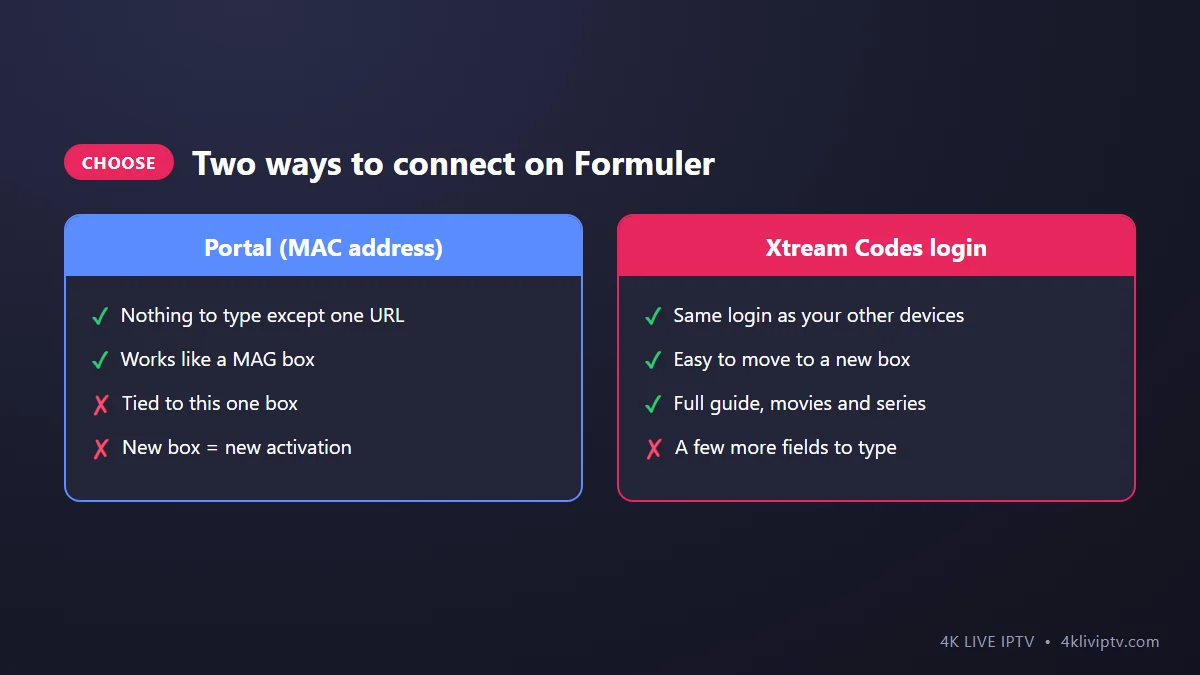
Both give you live channels, movies, series and the guide. We usually suggest Xtream Codes because it is not tied to the box: if you ever change devices, you just log in again.
Option A: Set Up With Xtream Codes
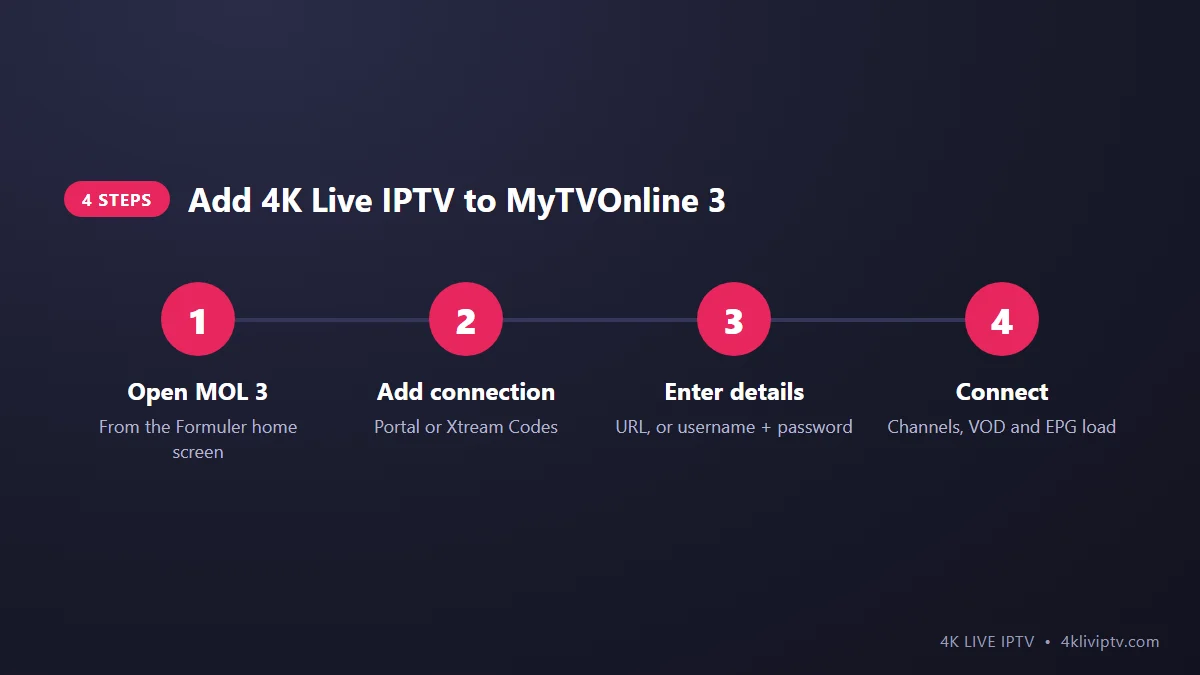
- From the Formuler home screen, open MyTVOnline 3.
- Choose to add a connection (on first launch it asks you directly; later, use the Connections or Manage Connections menu).
- Select Xtream Codes as the connection type.
- Enter a name (“4K Live IPTV”), the server URL with
http://and port, your username and password. - Select Connect. MOL 3 loads the channel list, the video library and the EPG.
Option B: Set Up With a Portal (MAC)
- Open MyTVOnline 3. Your box’s MAC address is shown on the connection screen (and on the label under the box).
- Send that MAC address to our team with your order from the pricing page. We activate it and send you a portal URL.
- In MOL 3, add a connection, choose Portal, enter a nickname and the portal URL exactly as received.
- Select Connect and wait for the portal to load.
Settings Worth Changing
- Time zone and time format: set them in the Formuler system settings so the guide shows your local US time.
- EPG update: in MOL 3 settings, make sure the guide refreshes automatically when the app starts.
- Auto frame rate: if your TV is 4K, turn on frame rate matching in the display settings. Sports at 60 fps will look smoother.
- Start MOL 3 on boot: makes the box behave like a cable receiver, going straight to live TV when you switch it on.
- Hide unused groups: with thousands of channels, hiding categories you never watch makes the guide much faster to use.
Features You’ll Actually Use
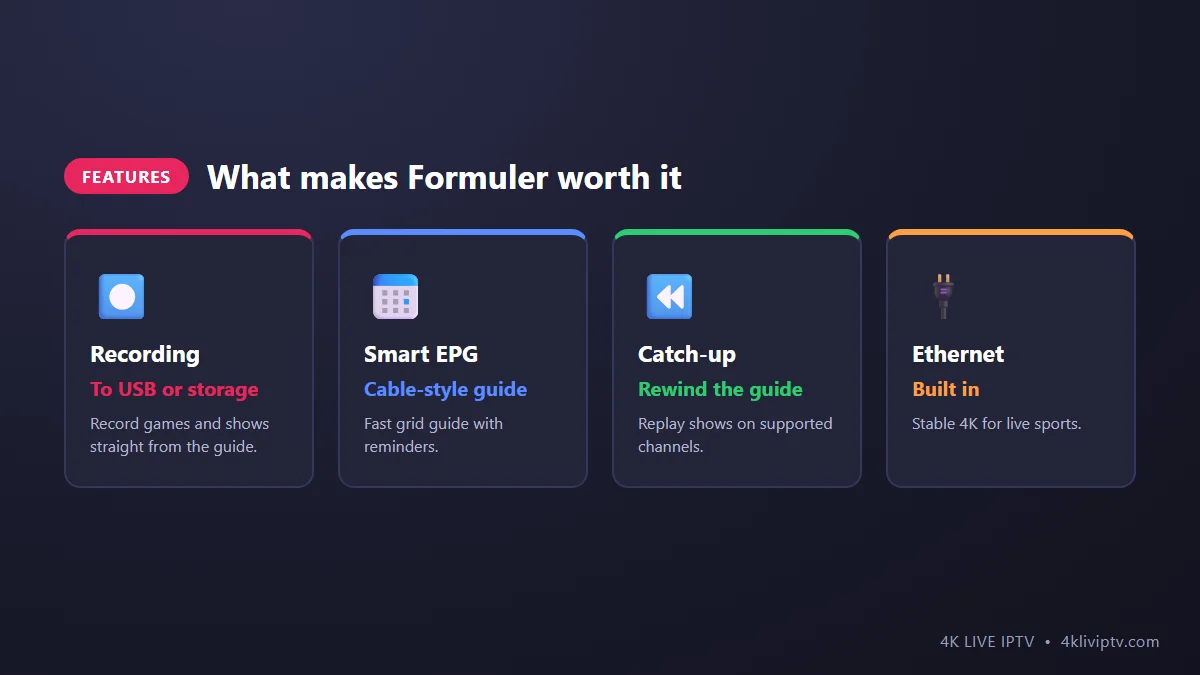
- Recording: connect a USB drive, open the guide, pick a program and choose Record. Great for games that start while you’re at work.
- Catch-up: on channels that support it, go back in the guide and play a show that already aired. See our EPG and catch-up guide.
- Favorites: build your own list of everyday channels so you never scroll through the whole lineup.
- Other apps: Formuler runs Android TV, so you can still install other players like TiviMate if you want to compare. Our player comparison can help.
Common Formuler Problems
“Connection failed” with Xtream Codes
Check the server URL (with http:// and the port), and the capital letters in your username and password.
Portal says the MAC is not authorized
The MAC address may not be activated yet, or it was sent with a typo. Send us a photo of the MAC shown in MOL 3.
Guide is empty or the times are wrong
Refresh the EPG in MOL 3 and check the time zone in the system settings.
Freezing on 4K channels
Use the built-in Ethernet port. If that is not possible, follow our buffering guide.
Frequently Asked Questions
Which Formuler should I buy for 4K Live IPTV?
The Z11 Pro Max is the current top model, with 4K, plenty of memory and storage, Wi-Fi 6 and Ethernet. It is a great long-term choice. Compare it with other options in our device buying guide.
Is MyTVOnline 3 free?
Yes, it comes preinstalled on Formuler boxes at no extra cost.
Can I use my Formuler login on other devices?
With Xtream Codes, yes, within the number of connections in your plan. A portal (MAC) subscription only works on that box.
Final Word
A Formuler box with MyTVOnline 3 gives you the cable box experience without the cable bill: a fast guide, recording and catch-up, all powered by 4K Live IPTV. Connect with Xtream Codes for flexibility, plug in an Ethernet cable, and you are set. Need help? Our team is on WhatsApp 24/7.
Need help with your IPTV?
Our team is available 24/7 to help you install and use your subscription on any device.
CONTACT US ON WHATSAPP