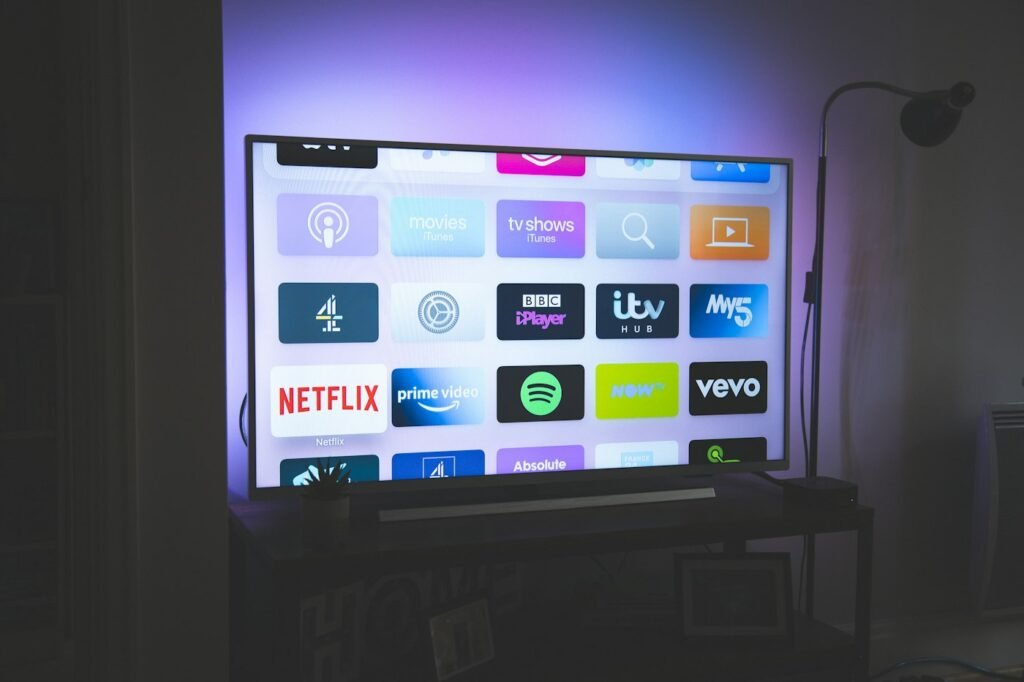
The Amazon Firestick is one of the most popular devices for IPTV: it is affordable, small and works on any TV with an HDMI port. Here is how to set it up in a few minutes.
1. Install the Downloader app
On the Fire TV home screen, go to Find › Search, type Downloader and install the app. Downloader lets you install apps that are not in the Amazon Appstore.
2. Allow apps from unknown sources
Open Settings › My Fire TV › Developer Options and enable Install unknown apps for Downloader. If you don’t see Developer Options, go to Settings › My Fire TV › About and click the device name seven times.
3. Install your IPTV player
Open Downloader and enter the download code or link of your IPTV player (for example IPTV Smarters Pro or TiviMate). Our support team can send you the right code on WhatsApp.
4. Log in with your details
Open the player and choose Login with Xtream Codes API. Enter the username, password and server URL you received after ordering, then save.
Tips for the best experience
- Use an HDMI extender if the Firestick heats up behind the TV.
- Restart the Firestick once a week to keep it fast.
- Use a 5 GHz Wi-Fi network or an Ethernet adapter for 4K.
Need help? Contact us on WhatsApp and we will guide you step by step.
Need help with your IPTV?
Our team is available 24/7 to help you install and use your subscription on any device.
CONTACT US ON WHATSAPP