The picture quality you get from 4K Live IPTV depends mainly on one thing: your internet speed. A fast and stable connection gives you sharp 4K images with no freezing, while a slow one causes buffering and lower quality. In this guide we explain how much speed you need for each quality, how to test your connection correctly, and how to improve it if it is too slow.
Recommended Internet Speed for Each Quality
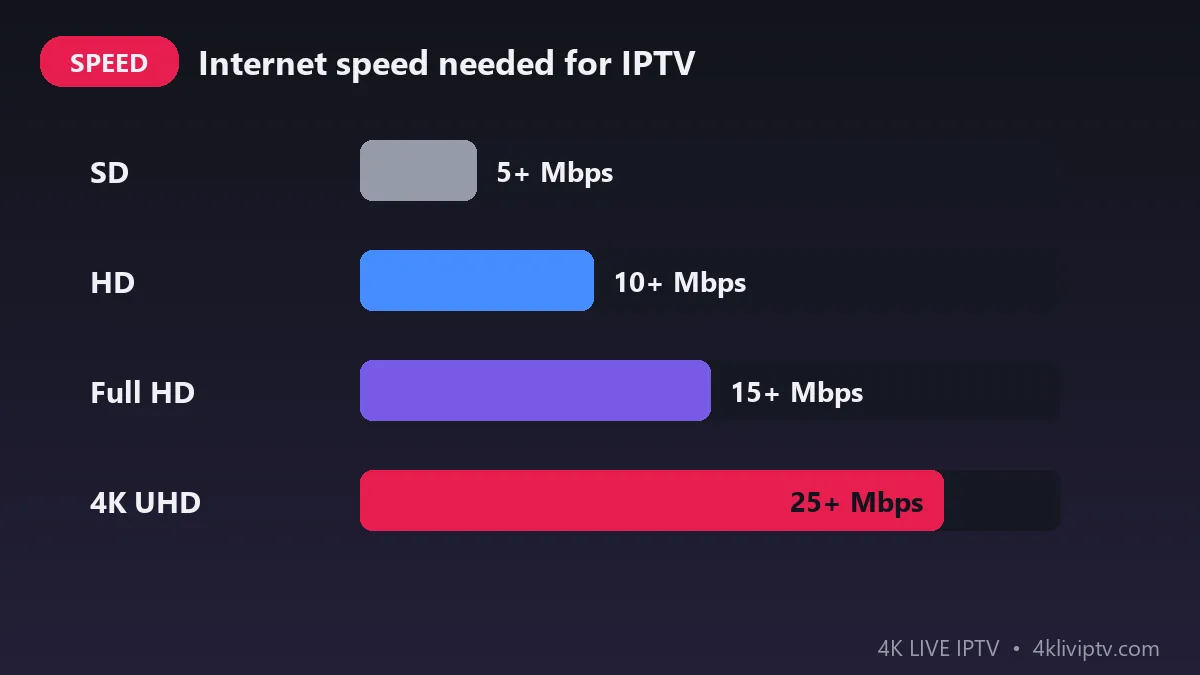
Here are the minimum download speeds we recommend for one screen:
| Quality | Resolution | Minimum speed | Best for |
|---|---|---|---|
| SD | 480p | 5 Mbps | Phones, slow connections |
| HD | 720p | 10 Mbps | Small TVs, tablets |
| Full HD | 1080p | 15 Mbps | Most TVs |
| 4K UHD | 2160p | 25 Mbps | 4K TVs, live sports |
These numbers are minimums. For a smooth experience, especially during big live matches, it is a good idea to have a little more than the minimum.
Why Does 4K Need So Much Speed?
A 4K image has four times as many pixels as Full HD. Even with modern compression, a 4K stream sends much more data every second. Live sports need even more, because fast movement is harder to compress. That is why 4K Live IPTV recommends at least 25 Mbps for 4K channels.
Speed is not the only factor. Stability matters just as much. A connection that gives 50 Mbps but drops every few minutes will buffer more than a stable 30 Mbps connection.
How to Test Your Internet Speed Correctly
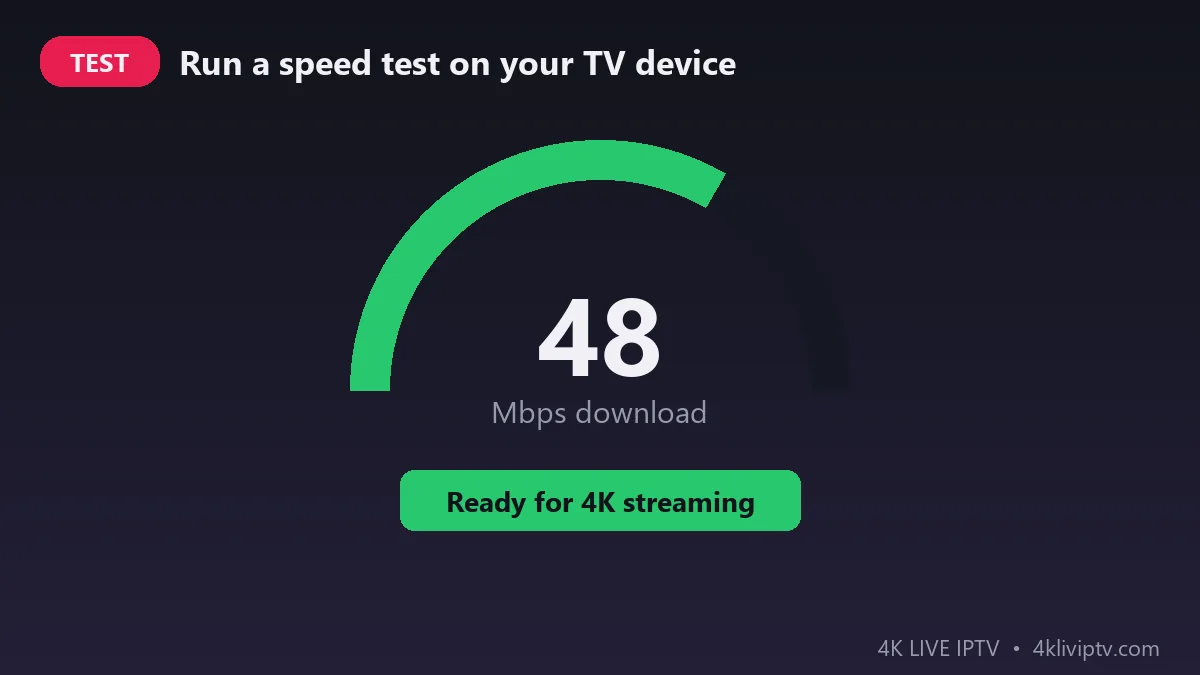
Many people test on their phone next to the router and get a great result, but their TV is in another room with a weak signal. To get a real number:
- Test on the device you watch with: your Firestick, Android box or Smart TV. On Firestick, you can install a speed test app from the Amazon Appstore or open Speedtest in the Silk browser.
- Test in the evening, between 8 and 10 pm, when networks are busiest.
- Stop other downloads during the test.
- Test a few times and look at the lowest result, not the best one.
Watching on More Than One Screen
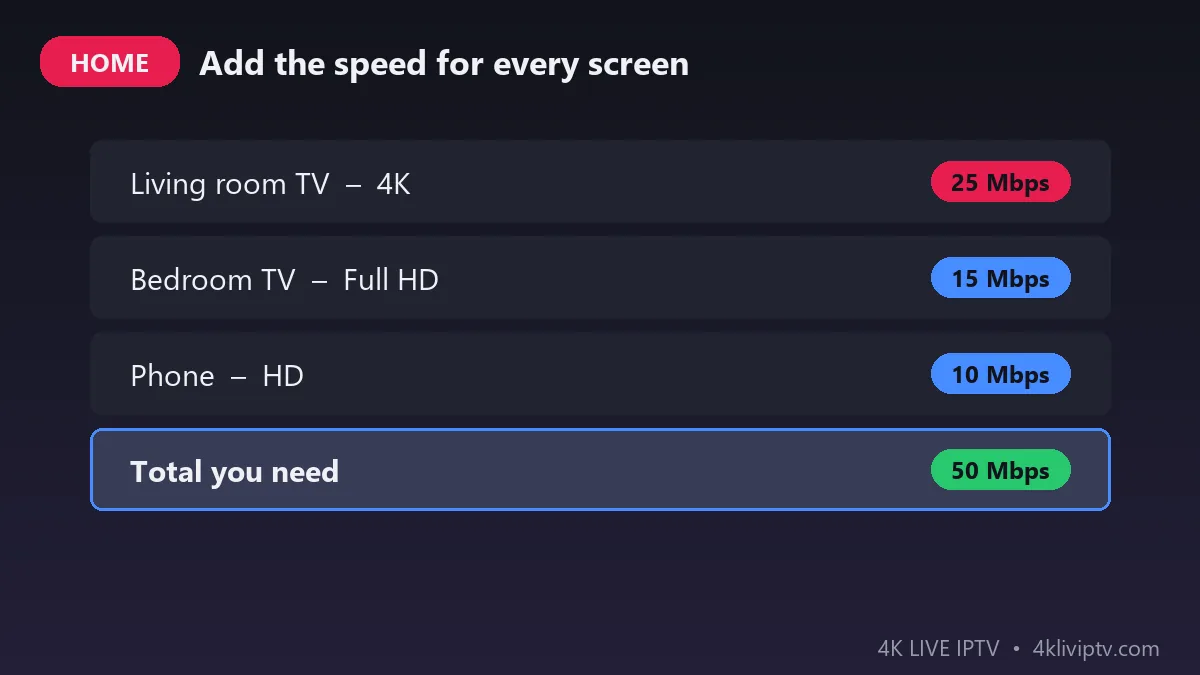
If several people watch at the same time, you need to add the speed for each screen. For example:
- Living room TV in 4K: 25 Mbps
- Bedroom TV in Full HD: 15 Mbps
- Phone in HD: 10 Mbps
- Total: about 50 Mbps
Remember that other activities on your network, like video calls, gaming and downloads, also use bandwidth. Check how many connections your 4K Live IPTV plan includes on our pricing page.
Which Type of Internet Is Best for IPTV?
- Fibre: the best choice. Fast, stable and with low latency, perfect for 4K.
- Cable: usually fast enough, but can slow down in the evening.
- DSL / ADSL: fine for HD, often too slow for 4K.
- 4G / 5G home internet: 5G can work well for 4K; 4G is usually better for HD.
- Satellite: not recommended for live IPTV because of high latency.
If you are not sure what speeds your plan really offers, the FCC broadband speed guide explains the typical needs for streaming.
How to Improve Your Internet Speed for IPTV
- Connect with an Ethernet cable whenever possible. This is the biggest improvement you can make.
- Use the 5 GHz Wi-Fi band if you must use Wi-Fi. It is faster than 2.4 GHz over short distances.
- Move the router closer to the TV, or use a mesh Wi-Fi system in larger homes.
- Restart your router once a week to keep it fast.
- Update your router if it is more than five or six years old.
- Limit other downloads while you watch live events.
If you still see freezing, follow our step-by-step guide on how to fix IPTV buffering.
Speed Is Not Everything: Ping and Jitter
Two other numbers in your speed test also affect live TV. Ping (or latency) is the time it takes for data to travel to the server and back. For 4K Live IPTV, a ping under 50 ms is good, and under 100 ms is still fine. Jitter shows how much the ping changes from one moment to the next. High jitter means an unstable connection, which often causes short freezes even when the download speed looks high.
If your test shows high ping or jitter, the cause is usually Wi-Fi interference or a busy network. A cable connection and a router restart fix most cases.
Recommended Speed by Device
| Device | Best quality | Recommended speed |
|---|---|---|
| Fire TV Stick 4K / 4K Max | 4K UHD | 25 Mbps or more |
| Fire TV Stick Lite | Full HD | 15 Mbps |
| Android TV box (4K) | 4K UHD | 25 Mbps or more |
| Samsung / LG 4K Smart TV | 4K UHD | 25 Mbps or more |
| Phone or tablet | HD | 10 Mbps |
Not sure your device can play 4K? Our guide on how to install IPTV on Firestick explains which models to choose.
Frequently Asked Questions
Is 25 Mbps enough for 4K Live IPTV?
Yes, 25 Mbps is enough for one 4K screen if the connection is stable. For more screens, add the speed needed for each one.
Can I watch 4K Live IPTV on Wi-Fi?
Yes, if your Wi-Fi signal is strong and you use the 5 GHz band. A cable is still more reliable for 4K sports.
What is the difference between download and upload speed?
Download speed is what matters for watching IPTV. Upload speed is used when you send data, like video calls, and is not important for streaming.
Does my device affect the quality?
Yes. To watch in 4K, you need a 4K TV and a device that supports 4K, such as a Fire TV Stick 4K or a recent Samsung or LG Smart TV. See our guide to the best IPTV apps for Smart TV.
Conclusion
For the best 4K Live IPTV experience, aim for at least 25 Mbps per 4K screen, use a cable when you can, and test your speed on the device you actually watch with. With a good connection, you will enjoy sharp, smooth 4K channels with no buffering. Need help checking your setup? Contact the 4K Live IPTV team on WhatsApp.
Need help with your IPTV?
Our team is available 24/7 to help you install and use your subscription on any device.
CONTACT US ON WHATSAPP