
With over 26,000 channels and 120,000+ movies and shows, 4K Live IPTV has something for everyone, including content that isn’t for kids. The good news is you can make it family-safe in about ten minutes, using three layers of protection: your account, your player app and your device. Here’s how.
The Three Layers
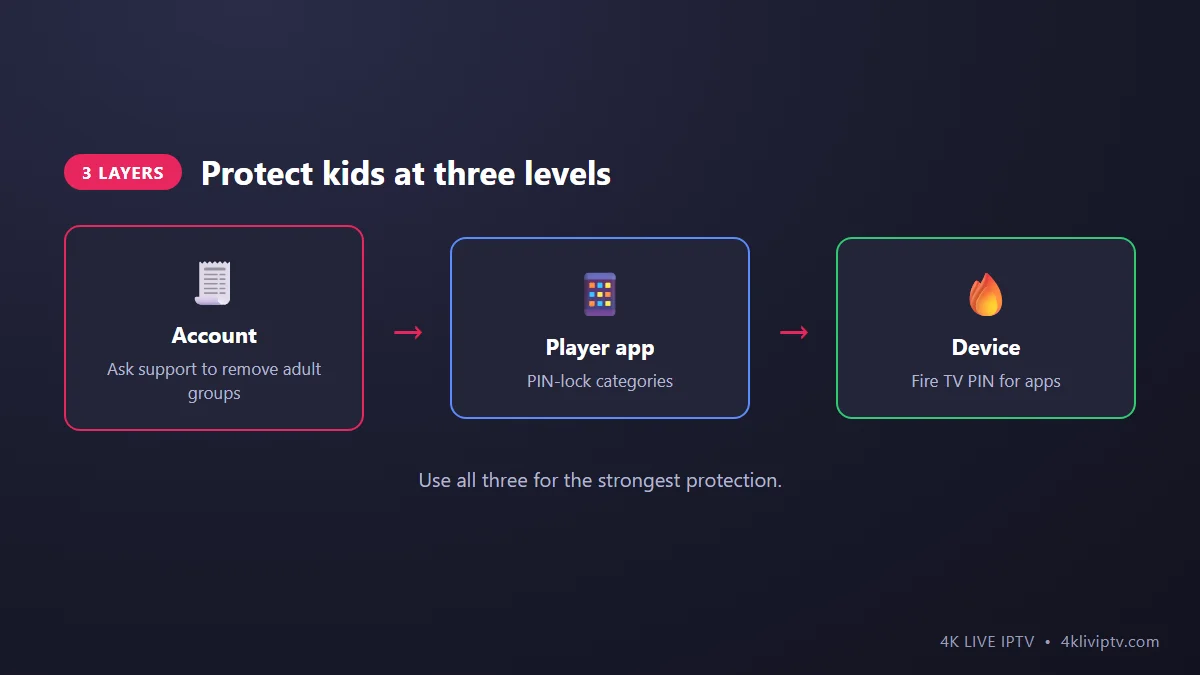
Layer 1: Remove Adult Groups From Your Account
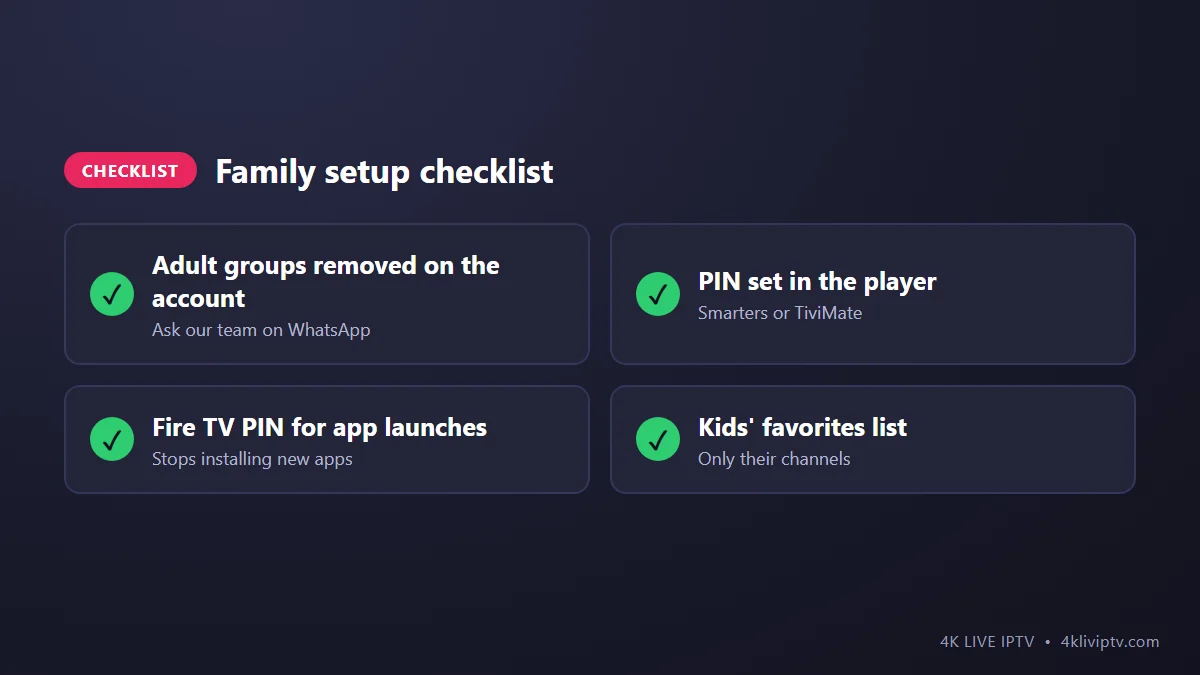
The strongest option is to make sure adult categories never reach your devices at all. Message our team on WhatsApp and ask for adult groups to be removed from your account. Because the change happens on our side, it applies to every device and every app you use, and kids can’t undo it.
Layer 2: PIN-Lock Categories in Your Player
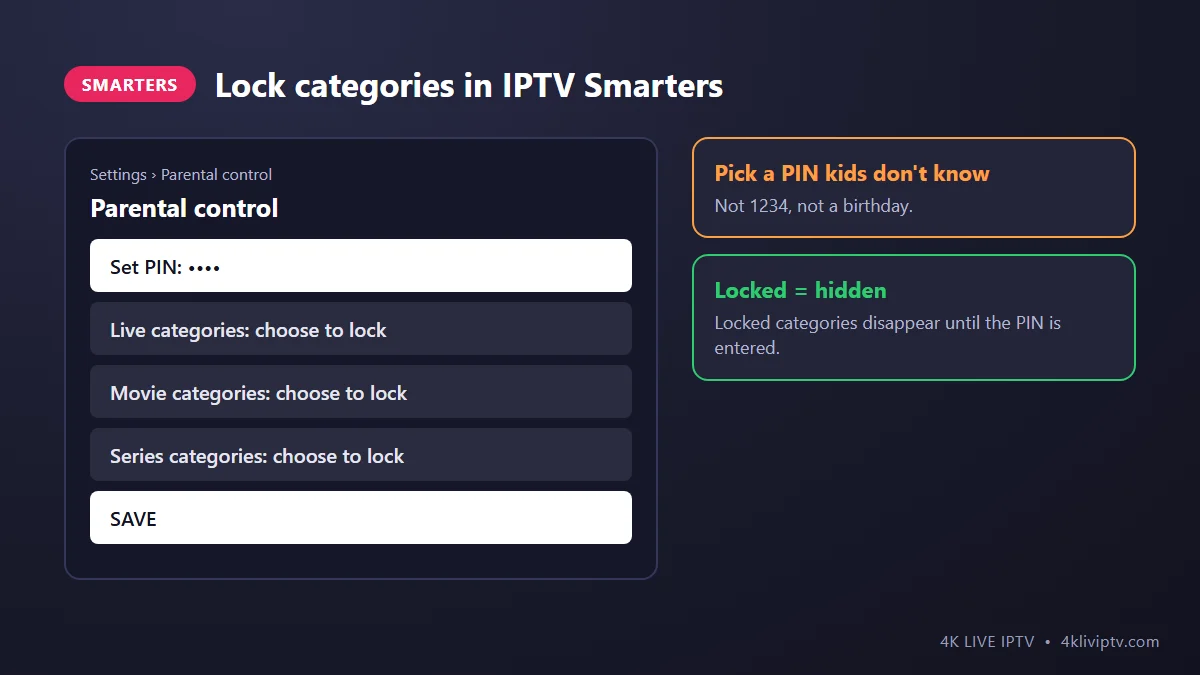
IPTV Smarters Pro
- On the home screen, open Settings › Parental control.
- Create a PIN.
- Choose the live, movie and series categories to lock.
- Save. Locked categories are hidden until the PIN is entered.
TiviMate
Go to Settings › Parental control, set a PIN, then choose which groups to lock. You can also simply hide groups as described in our channel organizing guide, but hidden groups can be shown again without a PIN, so use the lock for anything sensitive. New to TiviMate? Start with the setup guide.
Other apps
Most players have a parental control or “lock” option in settings. On MAG boxes, look for parental settings in the portal menu.
Layer 3: Lock the Device
Kids are smart: if they can install another app, they can get around app-level locks. On a Fire TV:
- Go to Settings › Preferences › Parental Controls and turn them on.
- Set a PIN.
- Require the PIN for purchases and app launches, and restrict content types if you wish.
Google TV has similar options with kids’ profiles, and Apple TV has Restrictions under Settings › General.
Make It Kid-Friendly, Not Just Locked
- Create a “Kids” favorites list with their channels so they don’t browse the full lineup.
- Set the app to open on that list on the kids’ TV.
- Use the on-demand library for movies you’ve approved, rather than random channel surfing.
Frequently Asked Questions
Can my kids turn off parental control?
Not without the PIN. And if adult groups are removed on your account, there’s nothing to unlock.
I forgot my parental control PIN. What now?
In most apps you’ll need to clear the app data and log in again, which resets the PIN. Keep your login details handy. See our troubleshooting guide for clearing data.
Does parental control affect other devices?
App and device locks only apply to that device. Removing groups on your account applies everywhere.
Final Word
Ask our team to remove adult groups, set a PIN in your player and lock app installs on the device. With those three layers, 4K Live IPTV is a safe, family-friendly TV service. Message us on WhatsApp to set up the account side.
Need help with your IPTV?
Our team is available 24/7 to help you install and use your subscription on any device.
CONTACT US ON WHATSAPP